-
 Continue reading →: Is There a Usage Limit on PDF Spaces?
Yes—PDF Spaces have usage limits, usually on storage, file size, and collaborators. Learn how Acrobat Studio manages these limits and how to optimize your workflow.
-
 Continue reading →: How Does Sharing Work in PDF Spaces?
Learn how sharing works in PDF Spaces with Acrobat Studio. Invite collaborators, set permissions, and work together in real time—all in one shared document.
-
 Continue reading →: Why Upgrade to an Acrobat Studio Subscription?
Wondering if it’s worth upgrading? An Acrobat Studio subscription delivers AI-powered summarization, smarter collaboration, stronger security, and seamless cross-device use.
-
 Continue reading →: How to Use Acrobat Studio for HR Documents
HR teams manage a wide range of documents — from job applications and contracts to onboarding guides and policy manuals. With Adobe Acrobat Studio, you can simplify HR workflows, keep sensitive data secure, and ensure documents are easy to understand for employees. Here’s how Acrobat Studio supports HR document management.…
-
 Continue reading →: The Future of PDF: How Acrobat Studio Is Changing Workflows
“Discover how Acrobat Studio is shaping the future of PDFs. Learn how AI, collaboration, and smarter workflows are transforming documents into dynamic hubs.”
-
 Continue reading →: How to Track Changes in Acrobat Studio
Learn how to track changes in Acrobat Studio using commenting, PDF Spaces, and AI-powered summaries to simplify document reviews.
-
 Continue reading →: How to Highlight and Annotate in Acrobat Studio
Learn how to highlight and annotate PDFs in Acrobat Studio with easy tools and AI-powered assistance—perfect for collaboration, studying, and reviews.
-
 Continue reading →: How to Add Digital Signatures in Acrobat Studio?
Learn how to add digital signatures in Acrobat Studio—fast, secure, and legally binding. Sign contracts, agreements, and approvals without printing.
-
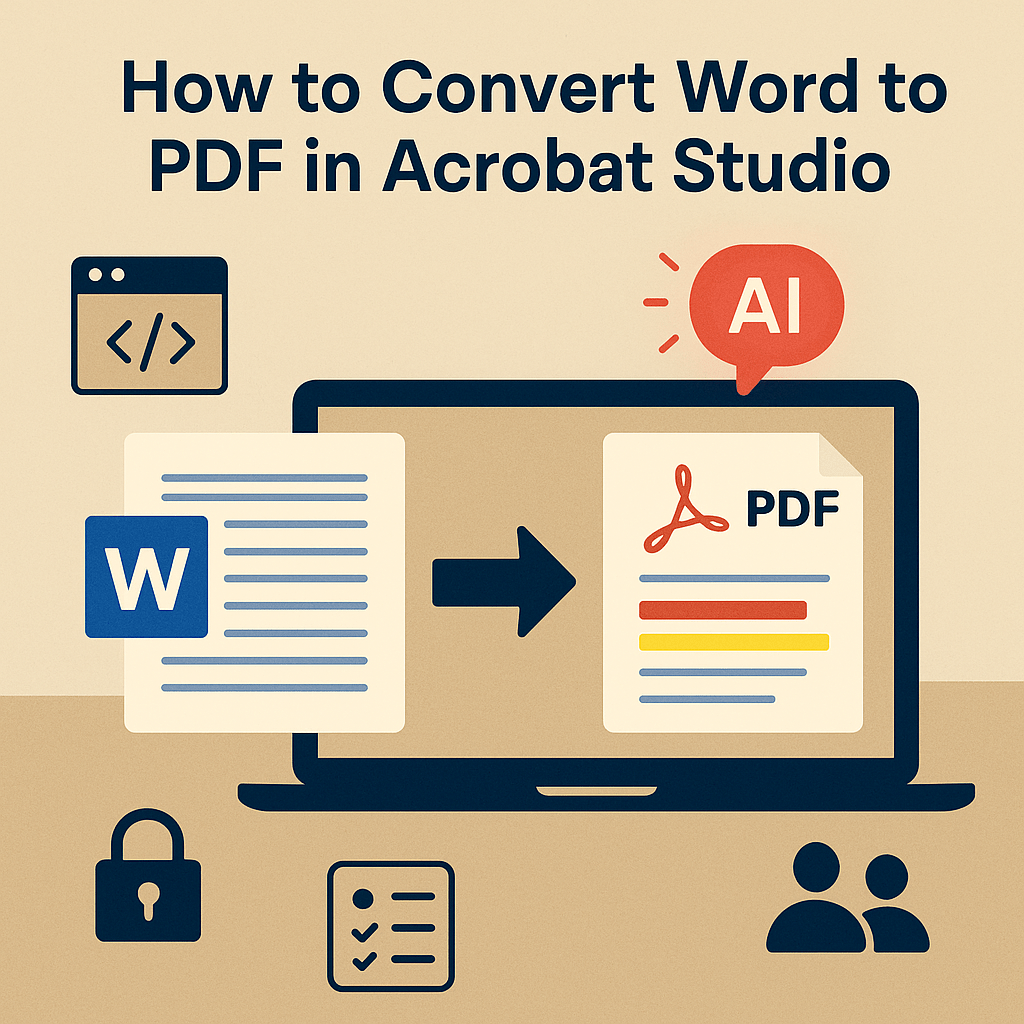 Continue reading →: How to Convert Word to PDF in Acrobat Studio
Learn how to convert Word to PDF in Acrobat Studio. Preserve formatting, add security, and enhance documents with AI-powered features.
-
 Continue reading →: How to Protect Sensitive Data with Acrobat Studio?
Learn how to protect sensitive data in PDFs with Acrobat Studio. Use AI redaction, encryption, and collaboration controls to keep your information safe.
Hello,
I’m Maria

Welcome to Acrobat Studio Professionals, a dedicated space for exploring everything about Adobe Acrobat Studio. Here, you’ll find insights, guides, and resources designed to help you unlock creativity, improve productivity, and make the most of Adobe’s powerful PDF tools.
Let’s connect
Join the fun!
Stay updated with our latest tutorials and ideas by joining our newsletter.
 Acrobat Studio Pro